
Tactical Gear Product Catalog
Explore the PANOAR product catalog across bags, pouches, load-bearing equipment, medical carriers and K9 gear. Open a category to compare available models and listed specifications.
Showing 1–16 of 160 results

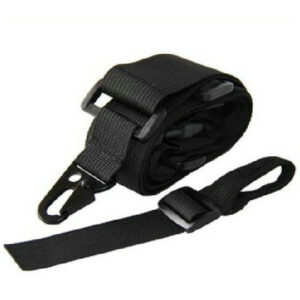
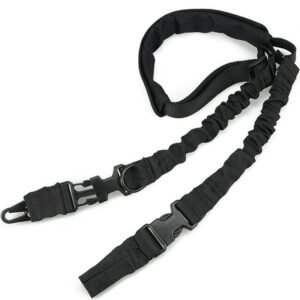
2 point tactical rifle sling – Durable Molle Compatible for Tactical Backpacks
3 Inch Tactical Dog Collar | Extra Wide Heavy Duty K9 Collar
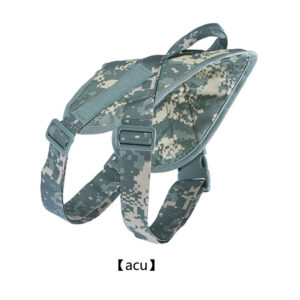
ACU Camo Tactical Dog Harness | Saddlebag K9 Vest
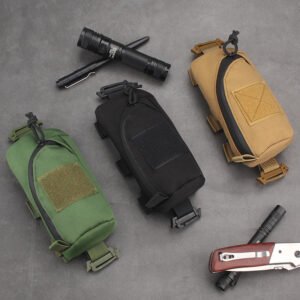
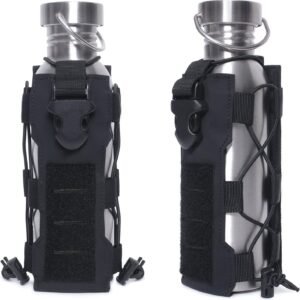
Adjustable MOLLE Bottle Cage Pouch – Open Frame Tactical Water Bottle Holder
American 2-Point Tactical Rifle Sling | Dual Bungee Gun Strap
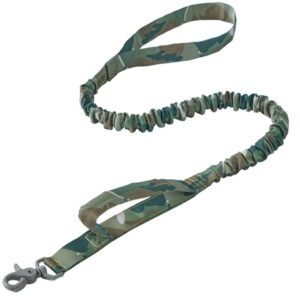
Bungee Dog Leash | Dual Handle Shock Absorbing K9 Lead
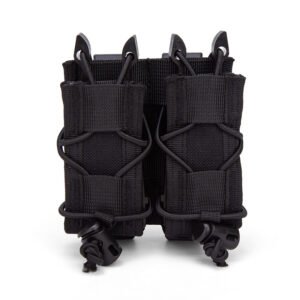
Bungee Double Pistol Mag Pouch | MOLLE Quick-Draw Carrier
Camo Elastic Dog Leash | Heavy-Duty Military Nylon Lead
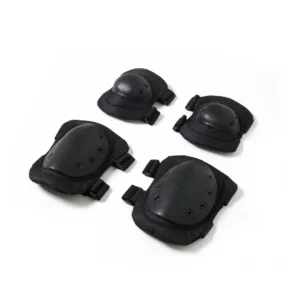
Camo Tactical Knee & Elbow Pads | 4-Piece Protective Set
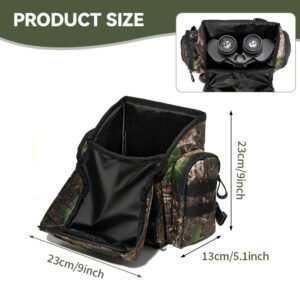
Chest Harness Utility Pack | Binocular & EDC Carry Pouch
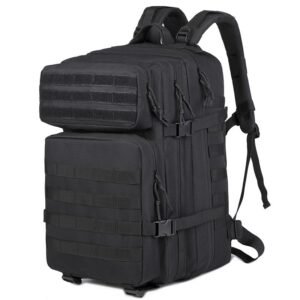
Classic 40L Tactical Assault Backpack & Military MOLLE Pack (OEM/Wholesale)
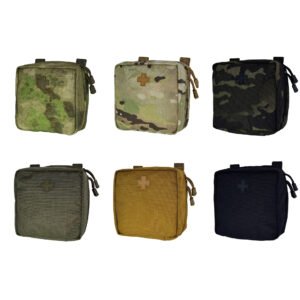
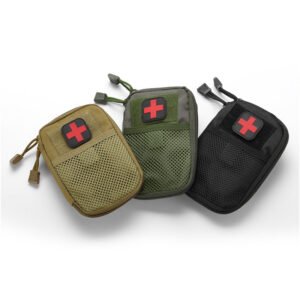
Classic Square MOLLE Medical Pouch | IFAK Vest Accessory
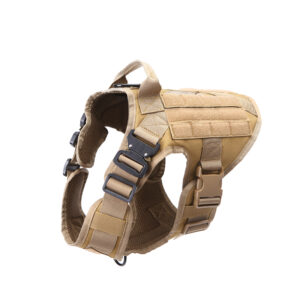
Cobra Buckle MOLLE Dog Harness | Quick-Release K9 Vest
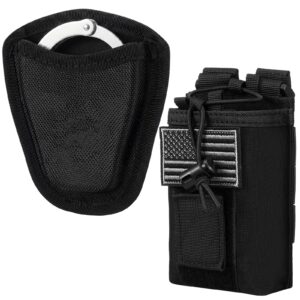
Compact Handcuff Pouch | Dust-Proof Duty Belt Case
Compact IFAK Medical Pouch | MOLLE Mesh-Front Trauma Case
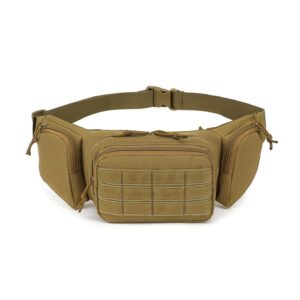
Compact MOLLE 3-Pocket Tactical Waist Pack

COLLECTION REVIEW
A tactical gear catalog built around product choice
Explore PANOAR’s tactical gear catalog by the type of product you need to carry, wear or attach. The listings bring together packs and bags, modular pouches, load-bearing equipment, medical carriers and working-dog gear. Start with a product family, then open individual models to compare their construction and listed specifications.
Packs and bags
Backpacks, sling bags and waist bags offer different carry positions and storage layouts. Choose the format before comparing pocket arrangements.
Pouches and attachments
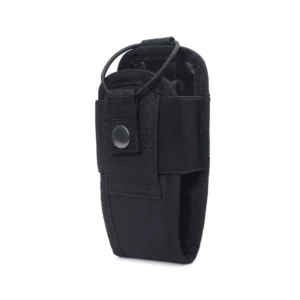
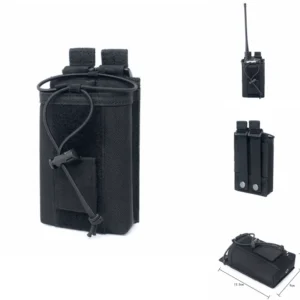
Magazine, radio, bottle, handcuff and utility pouches organize specific items on a compatible belt, vest or pack.
Load-bearing equipment
Compare vest and plate carrier platforms, tactical belts and knee or elbow pad sets as separate product groups.
Medical carriers and K9 gear
Medical pouches organize a defined loadout; harnesses, collars and leads form a separate working-dog range with their own fit requirements.
01 / MATERIALS ACROSS THE RANGE
Compare the construction within each product family
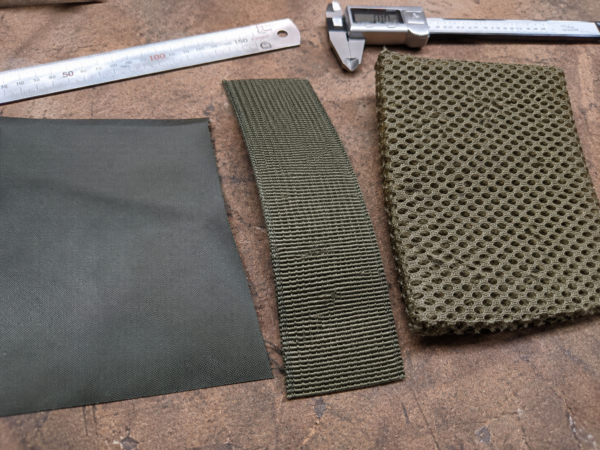
Fabric, mesh and webbing appear in different roles across bags, pouches and wearable equipment. Start with the product family and model, then compare the listed material specification. A shared color does not mean every item uses the same construction.
For your shortlist: Keep model references and material requirements together.
02 / ATTACHMENTS & ACCESSORIES
Keep the platform and its accessories connected
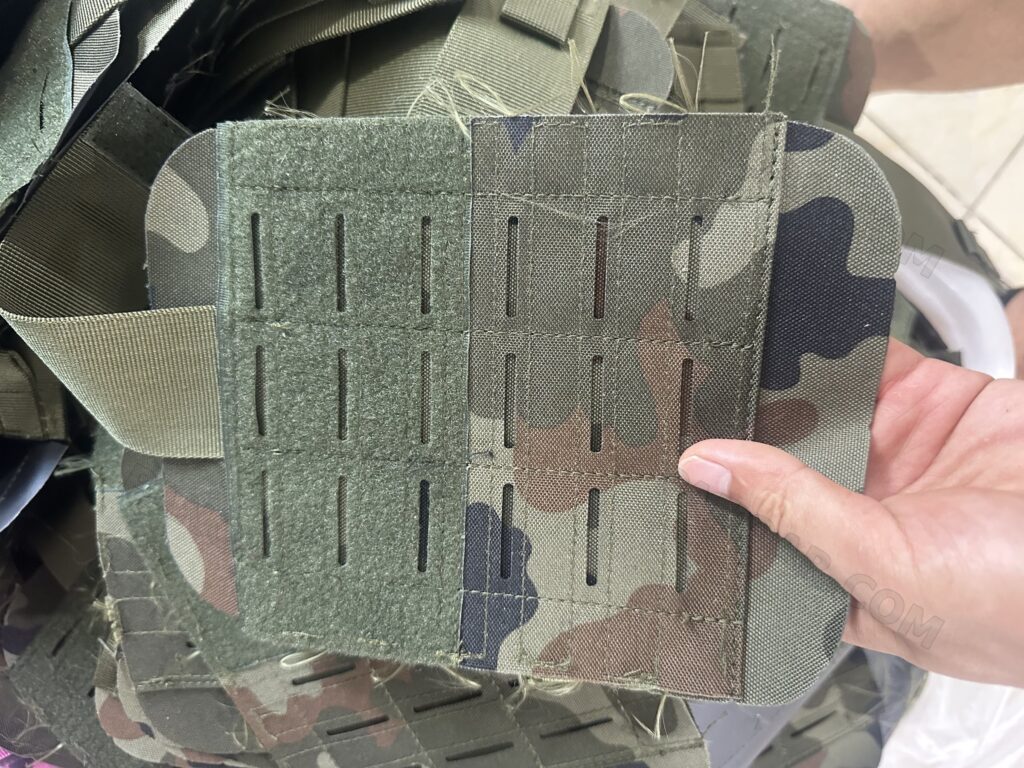
A coordinated range needs clear decisions about the main bag, vest or belt and the items mounted to it. Review attachment areas in the relevant category, then record which pouches and straps are required with each model.
For your shortlist: List the main platform and each required accessory separately.
Build a shortlist that can be reviewed
Send the product links or reference numbers you selected, intended sales channel, preferred colors and approximate quantity by model. Where you need a coordinated range, identify the shared color, label and packaging requirements. Product photographs show examples; the quotation should confirm the exact model, components and included accessories.
Questions about this collection
Can I review several product categories in one inquiry?
Yes. Group the selected products by category and state the quantity for each model. A model-by-model list is clearer than a single total for a mixed assortment.
Where should I start if the catalog model needs changes?
Use the closest model as a reference and explain the changes you need. The OEM/ODM project page covers the development discussion beyond the catalog shortlist.
Turn your shortlist into a clear inquiry.
Send the selected product links, quantities and any required changes. For a new structure or branding program, review our OEM/ODM project workflow.